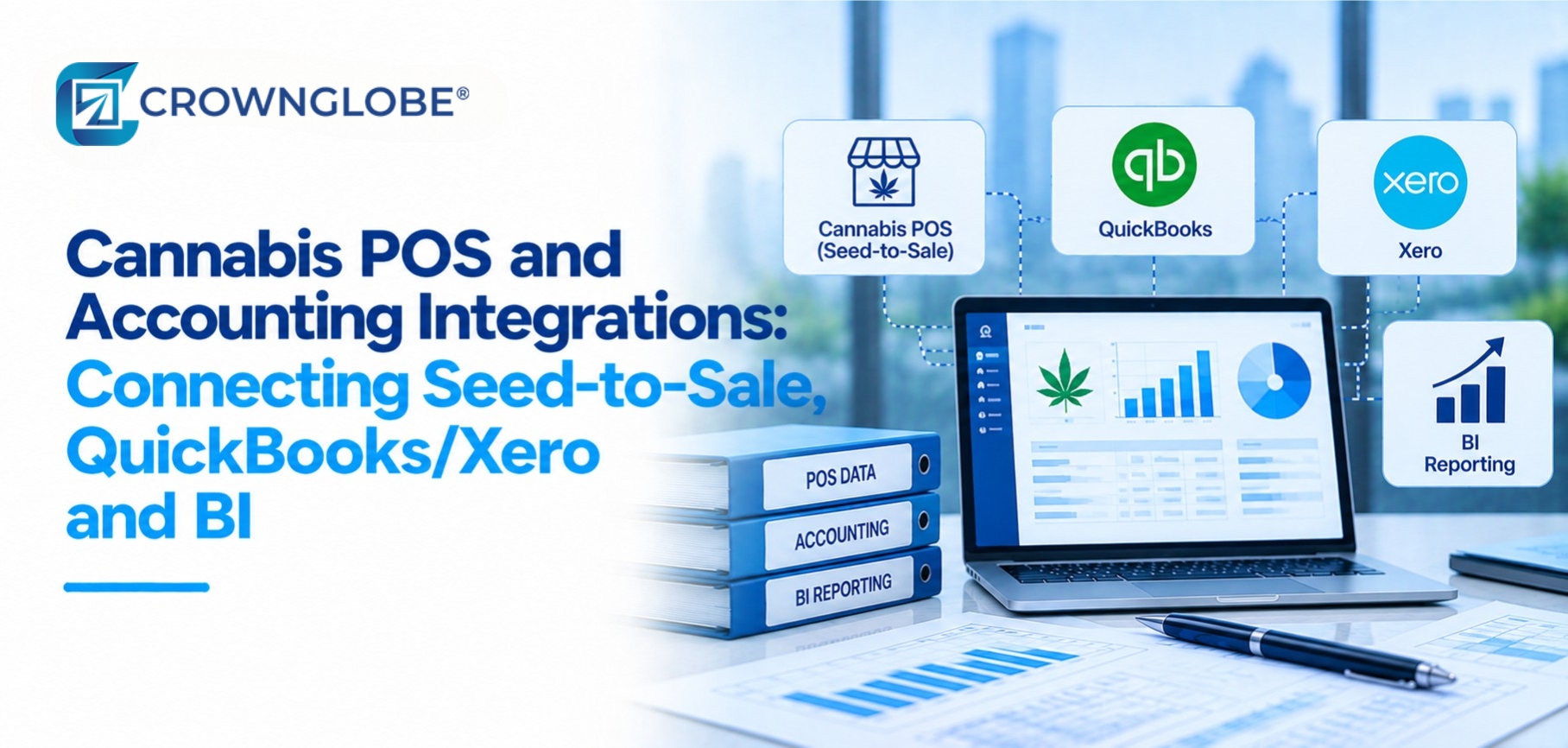
Each system should have a clear job, finance-relevant events should move through defined mappings and reconciliations, and management reporting should be built on governed data instead of becoming another competing source of truth. This guide assumes the business already has a dependable monthly close and a practical way to reconcile sales, cash, inventory, and ledger balances. If the underlying records are not trusted, faster integrations simply move inconsistent data faster. For the broader finance structure around this stack, see our cannabis accounting and bookkeeping services.
Five Layers, Bottom to Top
A dependable architecture for cannabis POS platforms and accounting integrations separates operational activity from accounting entries and management reporting. That separation matters because a POS, a seed-to-sale platform, a cannabis accounting platform, and business intelligence software are designed to answer different questions.
Start With System Ownership, Not With the Connector
Before choosing a connector, decide which system owns each important business object. Without that decision, the same sale, item, location, or inventory movement can be edited in several places and become difficult to reconcile.
| Data object | Likely operational owner | Finance destination or use | Control |
|---|---|---|---|
| Sale or order | POS | Accounting summary and reconciliation | POS total to posted total |
| Tender or payment method | POS/payment system | Clearing and bank reconciliation | Tender to deposit match |
| Package, batch, or plant identifier | Seed-to-sale/state system | Reporting dimension where useful | Identifier completeness |
| Inventory quantity | Operational/regulated system | Reconciled financial valuation | Quantity/value variance review |
| GL account and balance | QuickBooks/Xero | Financial reporting | Ledger reconciliation |
| Dashboard measure | BI semantic model | Management analysis | Defined measure owner |
Standardize IDs before automating
Location, legal entity, license, SKU or product, package or batch, account, tender, vendor, and customer IDs should be standardized before a production integration depends on them. Text descriptions are helpful to people but fragile as system keys. A new location name, duplicated SKU, or unmapped account can quietly split one category into several. Assign an owner to the mapping table and make its review part of the close process rather than treating it as a one-time setup task.
Build the Integration in Four Phases
Inventory every interface and data field
Start with a complete inventory of sources, connectors, APIs, exports, credentials, owners, and refresh frequencies. For each interface, document what it reads, what it writes, and how the team will know when a transfer fails. Confirm current vendor capabilities before designing around a feature or subscription tier.Build the accounting and data mappings
Map sales categories, tender types, inventory and cost classifications, locations, legal entities, and reporting dimensions to the finance model. The mapping should be clear enough that a reviewer can trace why an operational event ends up in a particular accounting or reporting category. Automate tax or specialized cost rules only after the accounting policy has been separately validated. The integration should execute policy, not create it.Test known days and exceptions
Do not test only a normal sales day. Include refunds, voids, inventory adjustments, transfers, mixed tenders, a new SKU, a missing mapping, and a failed connection. Test both the normal path and the exception path; hidden failures are a production risk.Stage the go-live and assign exception ownership
Turn interfaces on in a controlled sequence rather than switching on every flow at once. Define who receives failed-sync alerts, who fixes mappings, who approves reprocessing, and who signs off the reconciliation. For the workflow controls and reporting processes around the accounting system, CrownGlobe's finance automation services provide the broader implementation context.Configure Different Refresh Speeds for Different Jobs
More frequent is not automatically better. Regulatory reporting, POS feeds, accounting postings, settlement data, business intelligence software, cannabis plant accountability records, and month-end financials can each need a different cadence. Power BI scheduled refresh also depends on licensing and capacity. Microsoft currently documents up to eight scheduled refreshes per day on Pro and up to 48 on PPU, Premium, or Fabric capacities, so the reporting design should match the platform and the actual decision need.
| Information | Typical design principle | Control |
|---|---|---|
| Regulatory/operational event | Vendor- or requirement-driven cadence | Failed-event queue |
| POS-to-accounting posting | Daily or close-based summary where appropriate | POS-to-GL reconciliation |
| Settlement and cash data | Match payment and bank availability | Clearing reconciliation |
| Management BI | Schedule to decision frequency | Refresh history and failure alert |
| Month-end finance | Controlled close snapshot | Period reconciliation |
What to Automate Beneath the Dashboard
The dashboard is only the visible layer. Useful automation candidates include POS summaries, tender-to-clearing classification, approved accounting postings, inventory or cost feeds, location dimensions, failed-sync notifications, variance flags, and refresh-failure alerts. Not every transaction needs to become an individual general-ledger posting. The appropriate grain depends on the accounting workflow, reconciliation design, system limits, and management reporting needs. For a practical example of reducing manual reconciliation work, see our POS reconciliation automation guide. Teams deciding where to begin can also use our guide to what to automate first in finance.
The Control Schedule That Keeps the Integration Trusted
Automation still needs maintenance as systems, credentials, products, locations, mappings, and reporting definitions change.
Why Cannabis Integrations Become Unreliable
The most common failures in cannabis POS platforms and accounting integrations are structural. Multiple systems are treated as authoritative for the same object, mappings are maintained informally, manual overrides are hard to see, exceptions have no owner, or dashboards read inconsistent raw data directly. A second failure is assuming that “connected” means “reconciled.” Data can move successfully while accounting, operational, and bank totals still disagree. These finance automation design principles help separate durable automation from fragile automation as the systems around it change.
A durable integration needs a system owner for mappings and interfaces and a finance owner for reconciliation. Unassigned exceptions tend to become recurring close problems.
Questions Cannabis Finance Teams Ask
Sources & Further Reading
- Metrc How POS and ERP Systems Integrate with Metrc and Metrc Open API documentation.
- Intuit Developer QuickBooks Online JournalEntry API reference.
- Xero Developer Accounting API Journals and Accounting API Types and Codes.
- Microsoft Learn Power BI scheduled refresh documentation.
This article describes cannabis finance-system integration and reporting practices in general terms and is not accounting, tax, legal, compliance, or technical implementation advice. State tracking requirements, software capabilities, APIs, licensing, and accounting policies vary and change.
Verify current requirements and vendor functionality for your systems and jurisdiction, and consult qualified professionals before changing accounting or compliance processes.