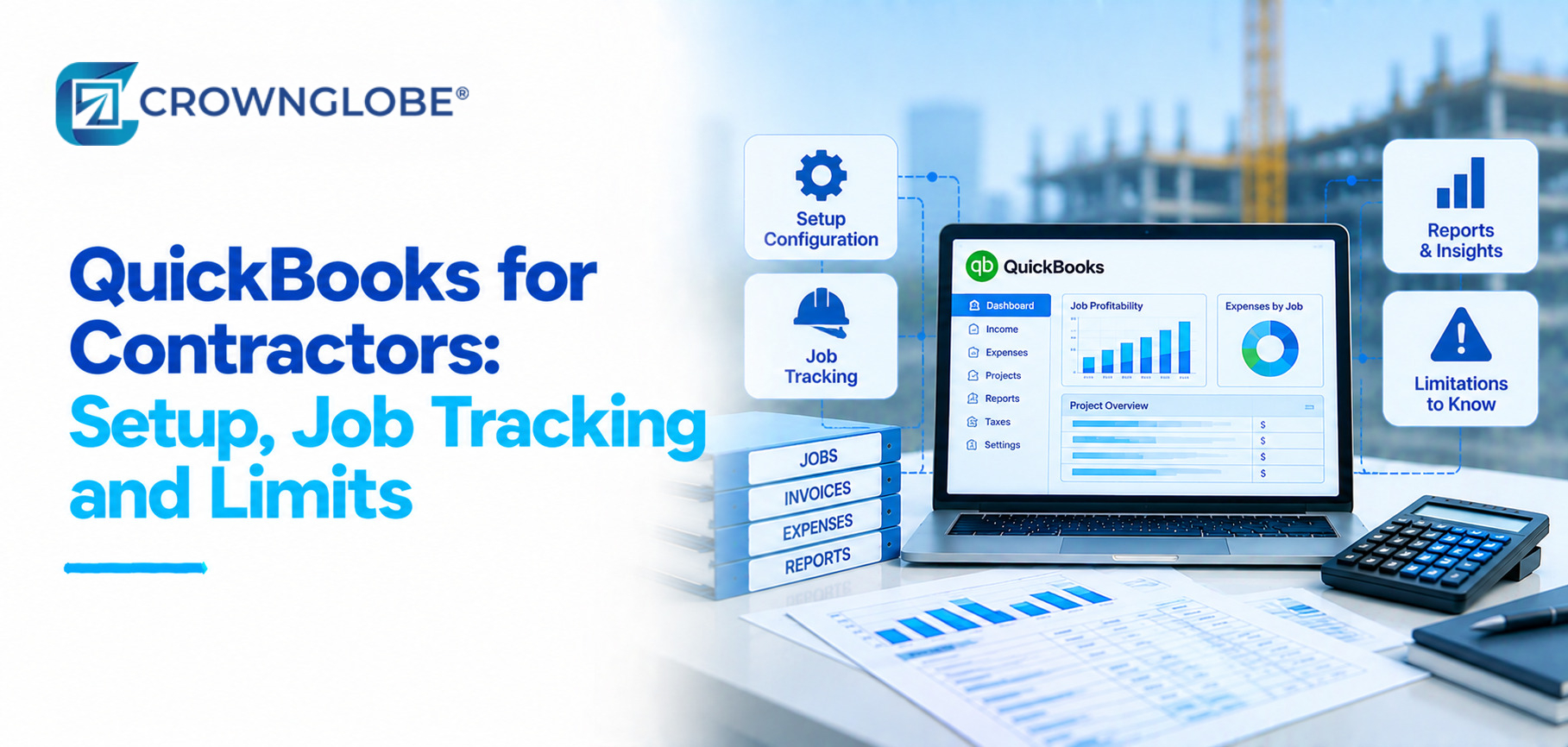
QuickBooks helps contractors keep track of bills, expenses, labor and invoices, for each project. The real test is whether it actually works well for the unique needs of construction work.
Make sure your version, setup and operating process give you job information.
A contractor could have financial records but still give job updates that aren’t trustworthy. Costs may be missing from project assignments labor may be mapped inconsistently or operational commitments may never reach the accounting workflow.
Good QuickBooks job tracking therefore starts below the report itself.
This guide walks you step by step through building the system starting with accounting then explaining job structures and cost types showing how to assign transactions and finally how to create reports while also pointing out where QuickBooks tools can help and where you may still need a construction plan, a better bookkeeping system or expert accounting advice from a CPA for contractors.
Five Layers, Bottom to Top
Before you start job costing, double-check that the general ledger is working properly for job costing. Match bank and card records keep the chart of accounts neat. Stop duplicate or unclear entries.
Job costing cannot repair an unreliable ledger. It only adds a project dimension to the accounting data already there.
Every project needs a stable identity. Depending on the product it could mean a customer who has a project with its stages or other building details included if needed.
Use the job identity, in accounting, timekeeping, billing, purchasing and field systems so that the information can be matched later with the job identity.
Choose the project cost categories that your business really uses such, as labor, materials, subcontractors, equipment and other direct costs.
Some QuickBooks construction options let you break down phases or cost groups, in detail. Don’t add detail than your team can handle steady and, without stress.
A job report is only as complete as the work that is tied to the job report and vendor bills, card expenses, time, labor costs, estimates and invoices all need a project assignment so the workflow can support the job report.
Repeated unassigned transactions can make it look like a job is not profitable even if the company’s books add up correctly.
Only use project profitability, budget, versus-actual, billing and other reports when every underlying entry is fully completed and properly assigned.
I notice the shiny dashboard does not display all project costs or commitments.
For quickbooks for contractors, reporting is the last layer of the setup not the first.
Start From the Questions, Not the Software
What did this job actually cost?
The answer depends on whether the money spent on labor, materials, subcontractor invoices, equipment costs and other expenses was used for the job.
Even if a supplier bill is correct, it might be missing from the project report so job cost reviews need to check both the accounting details and the project assignment.
What have we billed, and what remains to bill?
QuickBooks products let you make progress invoices based on estimates over time which helps track how much you’ve billed. That doesn’t mean the same as recognizing revenue or tracking work in progress, for construction projects.
Keep the billing workflow and the accounting conclusion separate.
What costs or commitments have not reached the books yet?
Recorded accounting activity might not include all project commitments as purchases, subcontract work, changes or field-system actions can happen before they appear as transactions.
Some newer Intuit accounting products include committed-cost reporting. Check exactly what your version includes and what might still be missing from the records.
Where is the job likely to finish?
Cost to date is historical. Expected final cost depends on current project information, estimates, approved changes, and management judgment.
QuickBooks can arrange accounting data. Dependable forecasts and workinprogress records still need uptodate operational information and a clear transfer of responsibilities, between project managers and accounting.
Four Phases, in Order
Confirm the product and workflow
Before making any changes, to the file write down the QuickBooks product and edition the construction add-ons you’re using how you bill, where your time or labor data comes from what field software you use and what reports you need to manage.
That prevents the team from rebuilding the file before deciding what information the business is actually trying to produce.
Build the accounting and job structure
Create a project setup use consistent names, for customers and projects decide how to show details and set up the cost categories for checking.
QuickBooks Online construction features can change with your plan so check your addons and details before building a process around a feature you might not actually have.
Make every transaction carry the job
Map each source to the project field it must populate. Bills, card activity, time or labor, estimates, and invoices should all use the same project identity.
If payroll is a major job cost, document how labor reaches project reporting. Our guide to construction payroll and job-cost allocation covers that workflow in more detail. This also makes payroll for contractors an important part of job-cost allocation.
Reconcile before trusting the reports
Review the unassigned project activities check the bank and card accounts look at the totals, from systems when needed and fix any cutoff problems before you trust the job results.
If accounting cannot explain how a number reached the job report, the workflow needs more review.
Configuration by Need: Verify the Product Before Stating a Limit
QuickBooks capabilities have expanded in newer construction offerings, which makes blanket statements such as “QuickBooks cannot handle WIP” too simplistic.
Begin with the workflow you need then doublecheck the product and the plan.
| Contractor need | Core QuickBooks workflow | Product-specific consideration | Possible additional need |
|---|---|---|---|
| Project/job accounting | Projects plus transaction assignment | Detail varies by product | Field execution or scheduling system |
| Labor by job | Time, payroll, or project labor assignment | Method and timing vary | Specialized payroll workflow |
| Budget vs. actual | Project reporting | Construction depth varies by plan | Operational forecast process |
| Progress billing | Estimates and progress invoices | Verify current plan features | Contract-specific pay-application workflow |
| Phases/cost groups | Detailed project structure | Available in certain advanced construction products | More detailed operational work breakdown |
| WIP/reporting | Accounting process plus supported reports | Verify exact product and configuration | Current project estimates and accounting judgment |
| Committed costs | Product-dependent reporting | Available in some current advanced offerings | Purchasing/subcontract workflow outside accounting |
| Retainage | Workflow-dependent | Verify current product treatment | Contract or project-management process |
The table keeps your plans organized and you should always check the table the features, the tools and the licenses because they can change so do not assume they are always there or never there.
What QuickBooks Can Track—and Where the Boundary Moves
Job costs work only when source transactions carry the job
A project report only shows transactions that were correctly applied to the project integrations move data. They don’t confirm if the project assignment or accounting is right.
Reconciliation and exception review are still necessary.
Progress invoicing is not the same as construction revenue recognition
Progress invoices can help with paying in stages. They don't decide how money from a contract is handled in accounting what is, in progress or if there is too much or too little billed.
Those conclusions are based on the facts the accounting method and the project details, not the percentage that has been billed.
More construction features now depend on the exact product
Intuit offers some tools and extra features that are especially made for construction work, not just regular projects.
A 2026 QuickBooks Online construction review must clearly understand the plan before saying a feature is there or not.
I think the better question is whether the product can support the contractor’s workflow with controls that the team can maintain.
Field management and financial accounting are different systems of work
With a strong accounting setup a strong accounting setup may still not be the right place, for scheduling, document control, procurement approvals or detailed field changes.
The accounting ledger and the operational system might have goals but they can both work with the same project data.
If the problem is workflow automation rather than accounting structure, see what to automate in bookkeeping and reporting.
The Schedule That Keeps It Trusted
Make sure the project and cost details are assigned while processing, rather than leaving project coding and cost, for a monthend cleanup task.
Review unassigned project activity and integration exceptions before small mapping problems affect an entire month's reporting.
Check bank and card accounts, project accounting issues and confirm project details before using profitability or WIP data.
Check all linked apps, mappings, inactive projects, unused categories and current product features whenever the operating workflow changes. Check everything again to be safe.
Cadence is a way to work, not a rule that cadence demands you to follow.
Why Contractor QuickBooks Setups Break
- Job names differ across systems. Accounting, timekeeping, billing and field systems might all be talking about the project, in different ways.
- Bills and card transactions reach the ledger without a project. Company expenses reconcile, while job reports remain incomplete.
- Labor reaches payroll but not the correct project view. Payroll can be accurate at the employee level while job-level labor reporting is incomplete.
- The chart of accounts is asked to do the job of project detail. Just adding expense accounts doesn't always make a job-cost structure that actually works.
- Integrations are trusted without reconciliation. Moving data and validating data are different tasks.
- More software is added before ownership is defined. Teams connect to another app without worrying about which system holds the customer, project, cost, billing or approval data.
I see that sometimes the solution is not another feature. QuickBooks bookkeeping services, for construction companies can be helpful if the software is working well. The file needs cleaning, consistent project coding, reconciliations and a repeatable review process.
The best QuickBooks setup isn't about having the categories. It's, about making sure every important transaction has a source, a project assigned a review owner and a reporting purpose.
Questions Contractors Ask About QuickBooks
It happens when the product you choose works, with the way you do your work and the costs the time people spend and the money you charge are all put on the jobs.
It is not automatically a complete construction operations system.
Always link every transaction to the customer and, to the project. Always make sure that the cost categories are tied to the correct job; double-check everything before trusting the project reports.
Focus on what you can manage build what your team can handle and don’t let yourself get overwhelmed.
QuickBooks products can keep track of project costs. QuickBooks products need transactions set up correctly to do so.
Labor methods, project details, cost groups and reports still rely on the product plan the add-ons and the source systems.
It depends on the product and the workflow; the current Intuit construction offerings have reporting and billing features than older versions but contractors should doublecheck the exact plan.
Software features should be kept separate, from the accounting decisions. Project details needed for work in progress.
The warning sign does not mean a revenue limit; the warning sign appears when the system stops providing the project details, controls, workflow ownership or management information you need making you do work or depend on shaky workarounds.
Bookkeeping support is worth looking into when your accounts don’t match project coding is, over the place assignments are missing cleanup is a regular thing or closing procedures aren’t solid. It can really help get things back on track. A CPA for contractors may also help assess accounting issues that fall outside routine bookkeeping.
Better process may improve the information without changing platforms.
Sources & Further Reading
- Intuit QuickBooks QuickBooks Online Advanced for construction/subcontractors
- Intuit QuickBooks Set up and create projects in QuickBooks Online
- Intuit QuickBooks Track project costs with cost groups
- Intuit QuickBooks Set up and send progress invoices
- AICPA & CIMA WIP Schedules: Blueprints for Solid Construction Accounting
General information disclaimer: QuickBooks products, features, licensing and integrations may change over time. It is best to check the details, with Intuit and always confirm any accounting, tax, payroll or compliance decisions with a professional.
Build a QuickBooks Setup That Matches the Way Your Jobs Run
A good contractor setup should clearly show how project costs are tracked, who is responsible, for checking them what reports the management uses and where outside systems or experts are still needed.
Make sure to review those questions thoroughly before you rebuild the file or buy another app.