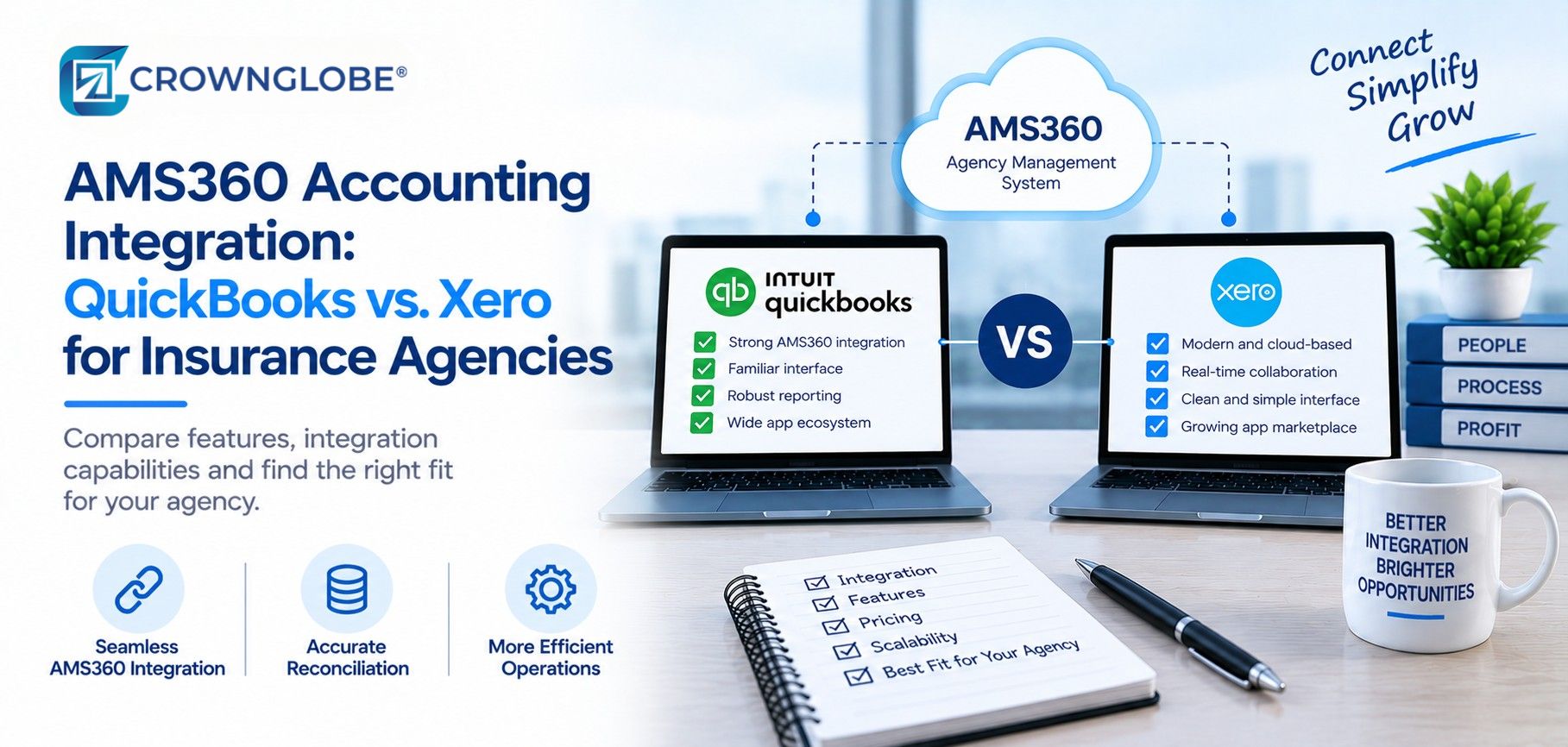
AMS360 accounting can function as a complete accounting environment. Vertafore currently documents billing and invoicing, account reconciliation, producer commissions, financial reporting and a general ledger within AMS360. In other words, an agency does not need QuickBooks Online or Xero simply because it uses AMS360.
Some agencies still choose a hybrid model for practical reasons. They keep the insurance agency management system close to policy, billing and commission activity while using a separate ledger for management reporting, accountant access or an established finance process. When that is the operating model, the goal is not to create two accounting systems that interpret the same activity independently. It is to define ownership clearly, move only the information that belongs in the external ledger, and prove that both systems agree after each transfer.
For the broader operating context, see CrownGlobe's insurance agency bookkeeping and accounting workflows.
01 · The Stack
The Five Layers of an AMS360 Accounting Integration
An AMS360 to ledger workflow becomes much easier to control when it is treated as five distinct layers rather than one vague “integration.”AMS360: Insurance Operations and Source Activity
AMS360 is where the agency may manage policy, billing, commission and other insurance specific activity. In a hybrid architecture, decide which AMS360 reports or accounting outputs serve as the approved source for each transfer. The objective is not to move every available field. It is to move the information the external ledger actually needs.
Source
Extraction: Report, CSV or Permitted API Access
Vertafore documents report export options, including CSV where available, and a Web Service API for permitted third party access. The specific report, data object, field set and permission level still need to be verified for the workflow you intend to use.
Extract
Staging and Mapping
This is the control layer between systems. Approved AMS360 output is translated into the external ledger's chart of accounts, reporting dimensions, descriptions and journal structure. Keep that mapping documented outside any one employee's memory so changes can be reviewed, approved and traced later.
Map
QuickBooks Online or Xero
The external ledger should receive only the approved, mapped accounting batch. It should not turn into a second insurance subledger. Keep the level of detail appropriate for management reporting and reconciliation instead of attempting to recreate every policy level record outside AMS360.
Post
Reconciliation and Review
Every transfer should finish with a control step: source amount, approved batch, posted journal, rejected lines and unresolved differences. If the workflow cannot explain how a balance in QuickBooks or Xero ties back to AMS360, automation has not solved the underlying accounting problem.
Reconcile
02 · Design
Decide System Ownership Before You Build
The most important design question is not which connector to buy. It is which system owns each type of information.Which system owns insurance detail records?
For many agencies, policy, billing and commission detail remains closest to the AMS because that is where the insurance operation happens. Document the specific AMS360 report, record or approved output that supports each accounting transfer.Which system produces the final management ledger?
Make this decision deliberately. Some agencies keep final accounting inside AMS360. Others maintain a separate general ledger in QuickBooks Online or Xero. If you use the second model, define which ledger management relies on for final financial reporting and how any differences between systems are investigated and resolved.How much detail should cross systems?
A transfer can fail in either direction. Too little detail makes reconciliation difficult; too much detail can make the external ledger cumbersome to manage. Choose the grain that supports your reporting and control needs whether that is a controlled summary journal, carrier level grouping, producer level reporting or another approved structure.Who approves and reconciles each transfer?
Name the preparer, reviewer and exception owner before the first production batch. Automation can prepare data, apply mapping rules and surface problems, but the month end process still needs clear human ownership.03 · Build
Four Phases, in Order
1
Map the Chart and Reporting Dimensions
Build the working map before exporting live data. At minimum, document the AMS360 source category, external ledger account, debit/credit treatment, reporting dimension, description/reference rule, exclusions and transfer owner. A straightforward mapping table is often more valuable than early automation. It exposes missing accounts, inconsistent naming and unclear ownership while those issues are still easy to correct.
2
Build and Validate the Extract
Start with a controlled sample. Use the AMS360 report, CSV export or permitted API route that actually contains the required source information. Confirm that the output contains the fields required by the mapping and that the sample balances to the approved AMS360 control amount. Do not assume an API is automatically the better answer. The right method depends on what Vertafore currently exposes for that workflow, the agency's permissions and the controls required around the transfer.
3
Import Into QuickBooks Online or Xero
QuickBooks Online currently documents CSV import for journal entries. Xero documents CSV/manual journal import. Those paths can support a controlled accounting transfer, but they are not the same as a verified native AMS360 connector. Before moving into production, test account names or codes, dates, descriptions, debit/credit orientation, reporting dimensions and duplicate handling behavior in the selected ledger.
4
Reconcile Before Normalizing the Process
After each test or production batch, compare the AMS360 control amount with the approved transfer, the external ledger posting and any rejected or adjusted lines. Resolve differences before the process becomes routine. The close control itself does not need to be elaborate. One batch identifier, one approved source amount, one posted journal and one reviewer sign off can provide a clear trail.04 · Configuration
QuickBooks vs. Xero: Configure the Transfer, Not Just the Software
The accounting platform changes some of the implementation details, but the core control principle stays the same: import only an approved, mapped batch that can be reconciled back to AMS360.| Configuration question | QuickBooks Online | Xero |
|---|---|---|
| Journal import path | CSV journal entry import is documented | CSV/manual journal import is documented |
| Core mapping | Accounts plus debit/credit structure | Account codes plus journal fields |
| Reporting dimensions | Classes or locations where enabled | Tracking categories/options where applicable |
| Main validation focus | Account mapping, import errors, duplicate risk and account treatment | Account code mapping, import restrictions and tracking treatment |
| Control rule | Post approved batches only | Post approved batches only |
05 · Automate Around It
What to Automate Around the Accounting Transfer
Accounting automation for insurance agencies is most useful after the accounting design is stable. Automation should make an approved workflow easier to execute and easier to monitor. It should not be responsible for deciding what the workflow means.Scheduled Extraction or Transfer Preparation
Where the source method permits it, automate repeatable preparation steps only after the correct report, data set and timing have been proven in a controlled process.Mapping and Validation Checks
Use defined checks to flag unmapped accounts, missing required fields, unbalanced journals or other known exceptions before a batch reaches the ledger.Exception Alerts
Rejected records and failed transfers should become visible work items. A visible exception is manageable. A silent failure that carries into the close is much harder to control.Reconciliation Evidence
Retain the batch identifier, source control amount, posting status, exceptions and review status so the month end close does not depend on reconstructing events after the fact.06 · Maintenance
The Maintenance Schedule That Keeps Two Systems in Agreement
A hybrid accounting workflow is an operating process, not a one time implementation.Every transfer or close
Control total, rejected lines, duplicate risk and reconciliation status
When accounts or dimensions change
Update and approve the mapping before the next production batch
When access, exports or API permissions change
Retest extraction and user permissions
When AMS360, QuickBooks or Xero changes the workflow
Verify the current vendor capability before relying on the old process
Every 6 to 12 months
Review whether the architecture, transfer grain and automation still fit the agency
07 · Failure Modes
Where AMS360 to Ledger Workflows Break
- No clear source of truth. Different teams treat different systems as final.
- Competing balances. Both systems are adjusted independently without a defined reconciliation path.
- Mapping drift. New accounts or dimensions appear in one system but never make it into the approved mapping.
- Duplicate batches. A journal is imported again because the process lacks a unique batch identifier or review step.
- The wrong level of detail. The transfer is too summarized to explain differences or too granular to manage efficiently.
- Exceptions are repaired off process. A rejected line is fixed manually without updating the approved mapping or control record.
- Automation has no owner. A failure occurs, but nobody is responsible for investigating it.
- Vendor changes are not retested. A report, field, import rule or permission changes while the automation continues as though nothing happened.
The first question in a two system accounting workflow should be, “Which system owns this number?” If that answer is unclear, adding a connector usually makes the ambiguity move faster. Define ownership and reconciliation first; then automate the repeatable steps around them.
Questions
Questions Insurance Agency Teams Ask About AMS360 Accounting Integration
Yes. Current Vertafore materials describe accounting functions in AMS360 that include billing and invoicing, account reconciliation, producer commissions, financial reporting and a general ledger. A separate QuickBooks or Xero ledger is therefore an operating model choice, not a requirement created by AMS360.
AMS360 supports report exports and documented third party Web Service API access, while QuickBooks Online supports journal entry imports. Those capabilities can support a controlled data transfer workflow. This guide does not assume a native direct AMS360 to QuickBooks connector; verify any specific connector or middleware against current vendor documentation before implementation.
A controlled workflow can use AMS360 output together with Xero's documented manual journal import process. As with QuickBooks, the exact transfer method may involve exports, middleware or permitted API access. Verify the specific integration layer and current vendor support rather than assuming a native direct connection.
There is no universal answer. Some agencies keep final accounting inside AMS360. Others intentionally maintain QuickBooks Online or Xero as the management ledger. Whichever model you choose, document which system is authoritative for each record and how differences are reconciled.
Move only the financial data required for the external ledger's purpose and the agency's reconciliation design. The right level of detail depends on reporting needs, control requirements and how easily a posted amount can be traced back to AMS360.
Use an approved batch and control amount from AMS360, confirm the imported journal in the external ledger, resolve rejected or adjusted lines, compare the final posted amount back to the AMS360 control value, and have a reviewer sign off on unresolved exceptions before close.
Sources & Further Reading
- Vertafore AMS360: www.vertafore.com
- Vertafore Help AMS360 report export: help.vertafore.com
- Vertafore Help Web Service API Setup: help.vertafore.com
- Intuit QuickBooks Import journal entries into QuickBooks Online: quickbooks.intuit.com
- Xero Import manual journals using the Conversion Toolbox: central.xero.com
- CrownGlobe Finance Automation: crownglobe.com
- CrownGlobe Insurance Agency Bookkeeping and Accounting: crownglobe.com
General Information Disclaimer
This article provides general information only and is not legal, tax, accounting, regulatory or software implementation advice. Software capabilities, permissions, import rules and APIs can change. Accounting architecture and fiduciary requirements can also vary by agency and jurisdiction. Confirm material requirements with the relevant software vendors and qualified professional advisors before implementation.